App install notes · Install notes
NTC33 apps: two Android files and a Windows build
NTC33 is one of the few platforms here that had a real Windows build, and its Android version was split into two apps. Notes on picking and installing the right one.
NTC33 is one of the few platforms on the old site that shipped a proper Windows build, so if you'd rather play on a laptop than squint at a phone, this is one of the easier ones.
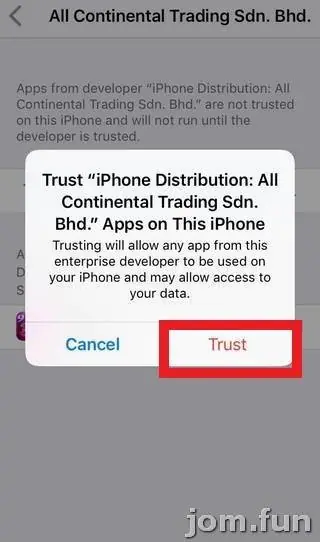
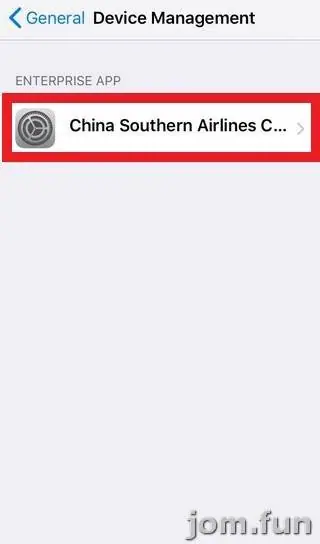
The old page listed three files: an Android APK for slots, a second Android APK for live games, and a Windows installer. Plus a web version, which we don't link. There was an iPhone guide pasted in as well, but no iPhone file ever sat next to it, so I wouldn't count on one.
Which file you actually want
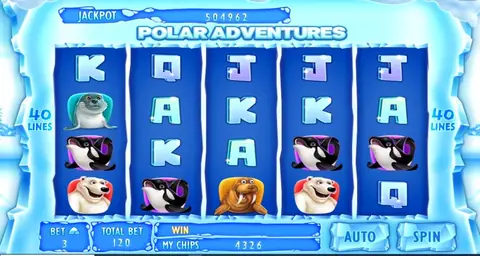
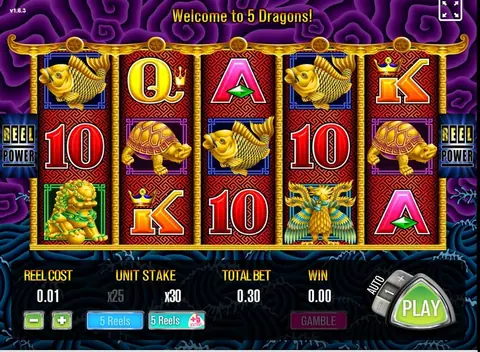
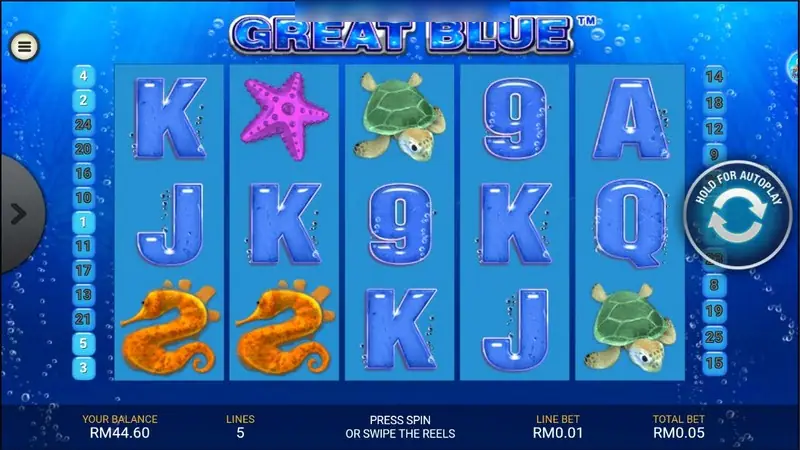
Most people only need the slots app. The game screens on this page come from it: Great Blue with its Your Balance, Lines, Line Bet and Total Bet strip along the bottom, and a round Hold for autoplay button on the right. Everything is in ringgit. The shot above has RM44.60 in the balance at RM0.01 a line.
The live-games APK is a separate install for the dealer tables. If you never touch those, skip it. One app fewer means one set of permissions fewer.

Windows
On a PC the installer is a normal .exe. Windows SmartScreen will likely say it "protected your PC" because the file is unsigned or unknown. That's expected for this kind of app, but it's also exactly what a fake installer looks like. So:
- only run an installer that came straight from the provider who manages your NTC33 ID;
- let Windows Defender scan it first (right-click, Scan);
- don't give it admin rights twice. If it asks again after install, something's off.
The old page also suggested running the Android app inside an emulator such as NoxPlayer or BlueStacks. That works, but it's a whole extra layer of software to trust. With a native Windows build available, I'd use that.
Android
Open the APK, let Android take you to Install unknown apps, allow it for your browser only, install, then turn the permission back off. If Play Protect warns about the file, stop there and ask your provider.
Game notes are on the NTC33 overview and the NTC33 game sheet. If you still need an account, get an NTC33 game ID.
A quick reminder: 18+ only, and online gambling is restricted in Malaysia. Pick a limit you can lose without it hurting, and see responsible gaming if it stops being fun.
Questions people ask
Do I need both NTC33 Android apps?
Only if you play both slots and live tables. The old page split them into two APKs; install the one you actually use.
Can I play NTC33 on a laptop?
The old page listed a Windows build. Get the current installer from your provider, and treat any NTC33 .exe from elsewhere as suspect.
Real-money games; online gambling is restricted in Malaysia. Never top up money you need, and stop if it stops being fun. Responsible gaming.