App install notes · Install notes
Play8oy installs as 'PlayBoy': what you'll see
The icon says PlayBoy, the certificate says POLIMER, OOO. Neither is a typo on your side. What each Play8oy install screen shows and why it's worth a second look.
Install Play8oy on an iPhone and the icon on your home screen won't say Play8oy. It says PlayBoy.
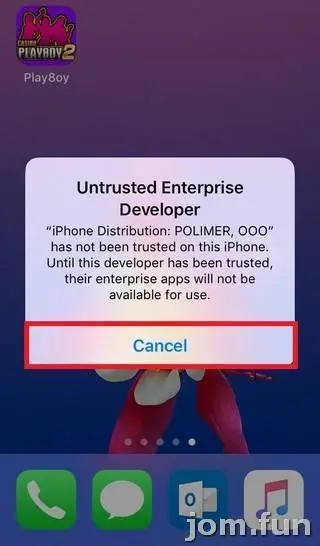
Then the trust screen names the developer as POLIMER, OOO. OOO is the Russian equivalent of "Sdn Bhd". So you've got a Malaysian-market casino app, a borrowed brand name on the icon, and a certificate from what looks like a Russian company. None of that is unusual for these apps, but it's a good reason to be careful about where the file came from.
The iPhone screens
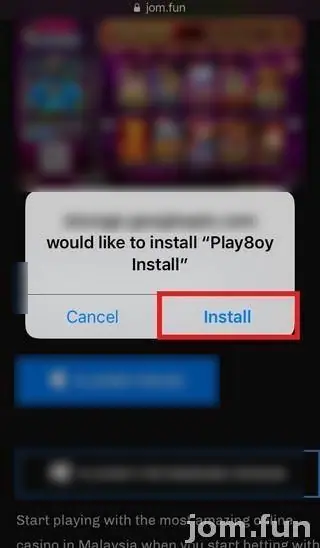
- Open the iPhone link your provider sent. Safari asks whether a Google cloud storage address may install "Play8oy Install". Tap Install.
- Tap the new icon (labelled PlayBoy). You'll see Untrusted Enterprise Developer, naming POLIMER, OOO. Tap Cancel.
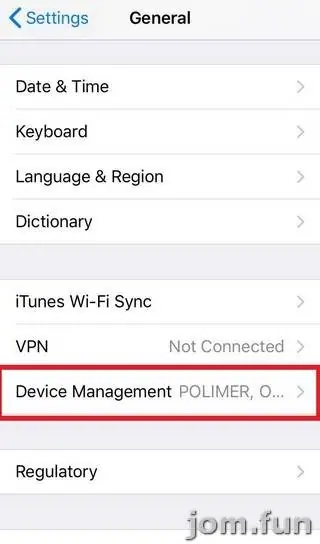
- Go to Settings > General > Device Management. In the screenshots the row already shows "POLIMER, O..." beside it. Newer iOS calls it VPN & Device Management.
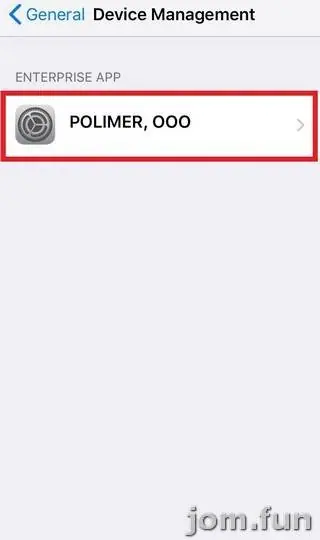
- Under Enterprise App, tap POLIMER, OOO.
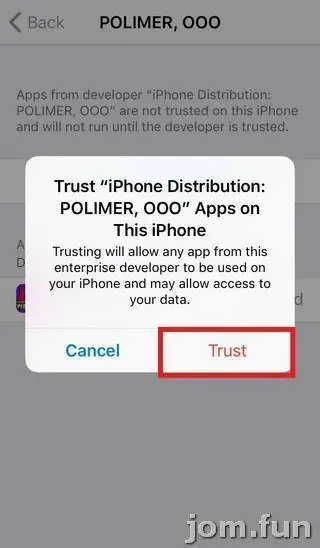
- Tap Trust "POLIMER, OOO" (the screen at the top of this page), then confirm.
- Open PlayBoy and log in with your Play8oy ID and password.
The confirmation pop-up warns that trusting "may allow access to your data". Believe it. Check the Device Management page every few weeks; if apps you never installed appear under POLIMER, OOO, delete them and the profile. And if Play8oy stops opening, that's usually Apple revoking the certificate. Your credit stays on your ID; a fresh install from your provider fixes it.
Android and Windows
The old page had an APK and a Windows installer too, both from the same download page. On Android, allow your browser under Install unknown apps for that one install and then remove the permission. On Windows, scan the .exe before running it and ignore any "Play8oy" installer that didn't come from your own provider; fakes of popular Malaysian casino apps are common, and a fake PC client can see everything you type, bank logins included.
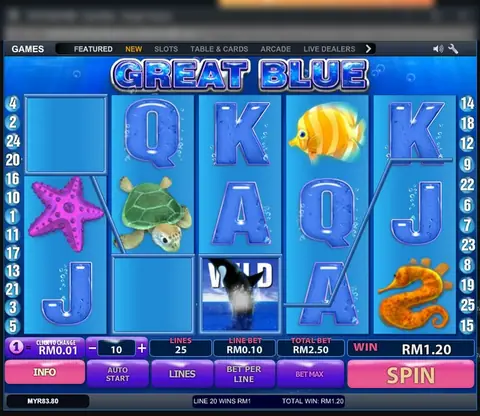
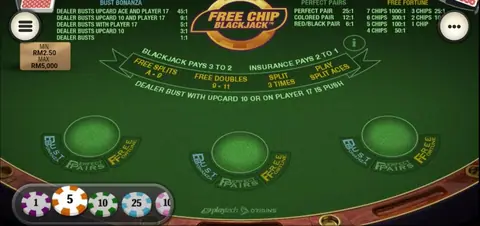
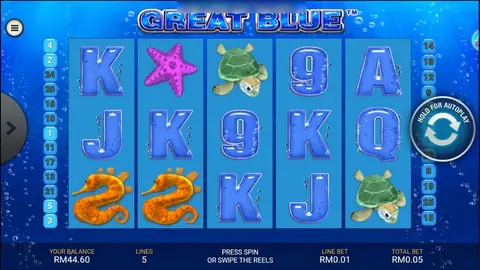
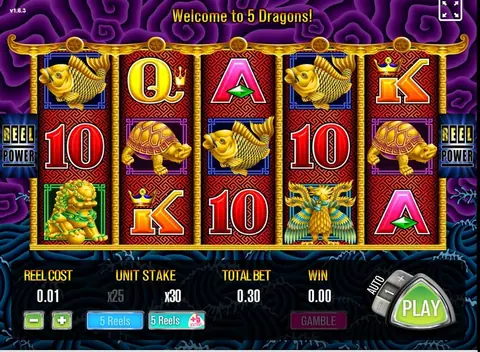
The games are covered on the Play8oy overview and the Play8oy game sheet. Need access? Get a Play8oy game ID.
Online gambling is restricted in Malaysia and meant for adults only (18+). Set a limit and stick to it; there's help on the responsible gaming page.
Questions people ask
Why is the app called PlayBoy on my phone?
That's how the iPhone build was labelled in these screenshots. The platform is sold as Play8oy; the icon name is the developer's choice, not something you did wrong.
What is POLIMER, OOO?
It's the company name on the enterprise certificate that signed this build. OOO is a Russian limited-company suffix. It doesn't tell you who runs Play8oy.
Real-money games; online gambling is restricted in Malaysia. Never top up money you need, and stop if it stops being fun. Responsible gaming.